Has your hot tub stopped, with FLO, dr or SnA flashing on the display? Balboa control systems report every fault with a short code that tells you fairly precisely where to look. In this overview you will find all the common Balboa error codes, their causes, how to fix them and the part you are most likely to need.
How to read Balboa error codes
Balboa Water Group supplies control units to most of the world’s hot tub manufacturers – you will come across VS, GS, M7 and EL/GL systems as well as the newer BP series. Older panels with a segment display show abbreviations (FLO, HL, Sn…), while the SpaTouch and TP touch panels display full messages (“HTR FLOW LOW”, “SENSOR A SERVICE REQD”). The meaning is the same, only the notation differs – which is why the same fault often has two or even three different codes (HFL/HL, OHH/HH, drY/dY).
How the message behaves also matters:
- The code alternates with the temperature reading – the system is still checking a suspected fault (typically SnS). The hot tub usually keeps running.
- The code is lit or flashing continuously – the fault is confirmed and the heater or the whole hot tub has been shut down. The system will not restart until the cause has been removed and the fault reset.
Safety first: electricity and hot water
Before doing any work in the equipment bay of your hot tub, always switch off both the circuit breaker and the residual current device (RCD). The control box operates at 230/400 V and sits in a damp environment – a combination that does not forgive mistakes. If you are not a qualified electrician, limit yourself to checking the water level, the filtration and the valves; leave measurements and part replacements under the control unit cover to a service technician or an electrician.
With the codes OHH, HOt and StU, do not get into the water. The system has detected overheating and the water may be above 43 °C.
Table: Balboa error codes – meaning, cause, solution
| Code | Meaning | Most common cause | Solution | Part required |
|---|---|---|---|---|
| FLO / FL | The flow or pressure switch has not closed while the pump is running; heating is blocked | Low water level, clogged filter, airlocked pump, faulty switch | Top up the water, clean the filter, bleed the air; only then test the switch | Flow switch, filter cartridge |
| FLC | The switch reports flow even though the pump is not running | Stuck (welded) switch contacts, incorrect adjustment | Usually replace the switch | Flow/pressure switch |
| HFL / HL | Low flow through the heater during heating; the system retries after about 1 minute | As for FLO, plus limescale in the heater | See the flow fault procedure below | Filter, pump, possibly heating element |
| LF | Confirmed low flow – 5× HFL within 24 hours, heating switched off | Cause of HFL not removed | Remove the cause, then reset by pressing any button | Depending on the cause |
| dr | Too little water in the heater, risk of running “dry” | Low water level, air in the pipework, closed valves | Top up the water, bleed the air, open the valves | – |
| drY / dY | Confirmed dry heater (3× dr in a row), hot tub functions shut down | As for dr | Remove the cause, reset by pressing a button | After overheating, possibly the heating element |
| OHH / HH | Heater overheating – the sensor has measured 118 °F (47.8 °C) | Insufficient flow (see FLO/HFL) | Let it cool below 42.2 °C, reset, resolve the flow problem | Depending on the cause; sensor, heating element |
| OHS / OH | Water in the tub overheated – 110 °F (43.3 °C) | Pumps running for a long time, summer heat, long filter cycles | Do not bathe, uncover the hot tub, shorten filtration; resets itself below 42.2 °C | Usually none |
| ICE / IC | Freeze protection – not a fault | The sensor has measured 6.7 °C or less | Let the pumps finish running (at least 4 minutes after warming to 7.2 °C) | None |
| SnA / SA | Sensor A faulty, hot tub shut down | Faulty sensor or its cable/connector | Check the connector, replace the sensor | Temperature sensor |
| Snb / Sb | Sensor B faulty, hot tub shut down | As for SnA | As for SnA | Temperature sensor |
| SnS / Sn | The sensors differ by more than 1 °C | One of the sensors is “drifting” | If the message persists for more than an hour, replace the sensors | Temperature sensor |
| Sn1 / Sn3 | Older systems: faulty hi-limit sensor (Sn1) / temperature sensor (Sn3) | Ageing sensor, broken cable | Replace the sensor | Temperature / hi-limit sensor |
| SL / SLP | Sleep mode – not a fault | Energy-saving heating mode selected | Switch to Standard mode if required | None |
| Pr | Priming mode after switching on (4 minutes) – not a fault | Normal system start-up | Wait, or exit with the Temp button | None |
| Pd | The unit is running on backup power (some systems only) | Mains power failure | Check the circuit breaker and the power supply | – |
| SF | Safety shutdown – the suction vacuum switch has tripped | Clogged or blocked suction | Remove the obstruction, reset with a button | – |
| HOt / StU | Stuck pump relay, extreme overheating – do not get into the water | “Welded” relay on the main board | Switch off the circuit breaker immediately, call a service technician | Control unit / main board |
| CFE, CrC, PSt, rtC | Main board configuration, memory or clock error | Electronics fault, firmware failure | Switch off the circuit breaker for 30 s; if it recurs, call a service technician | Control unit |
| No COM | The control panel is not communicating with the unit | Faulty cable, corroded connector, moisture in the panel | Check the connector, replace the panel if necessary | Control panel |
| – – (dashes) | The water temperature is not yet known | The pump has not run for at least 1–2 minutes since start-up | Switch on the heating pump and wait 2 minutes | None |
Flow faults FLO, HFL, LF, dr and drY: step-by-step procedure
Most Balboa error messages relate to the flow of water through the heater. Before you start replacing parts, work through the points in this order – they are arranged from the cheapest fix upwards:
- Check the water level. It must be safely above the skimmer intake; a skimmer drawing in air will reliably produce both FLO and dr.
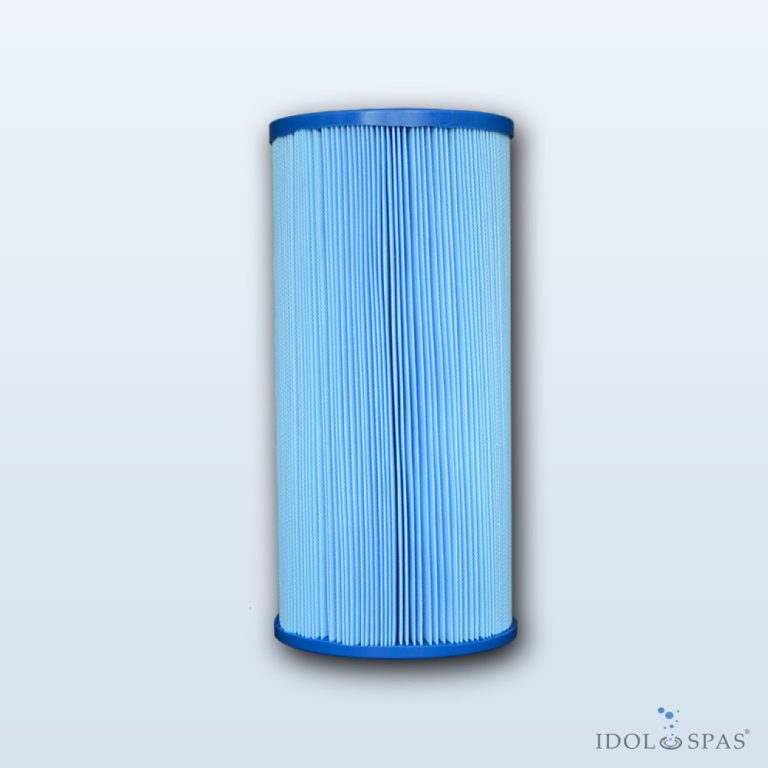
- Remove and clean the filter cartridge. A clogged filter is by far the most common cause. Run the hot tub briefly without the filter as a test – if the fault disappears, clean the cartridge or simply replace it from our hot tub filtration category.
- Fully open the shut-off (slice) valves before the pump and after the heater. They are often left partly closed after servicing.
- Bleed the pump. After filling there is often an air pocket in the pump – with the circuit breaker switched off, slightly loosen the union nut on the pump outlet, let the air escape and tighten it again.
- Check that the heating (circulation) pump is actually running. If it only hums or does not run at all, the problem lies with the pump, not the switch.
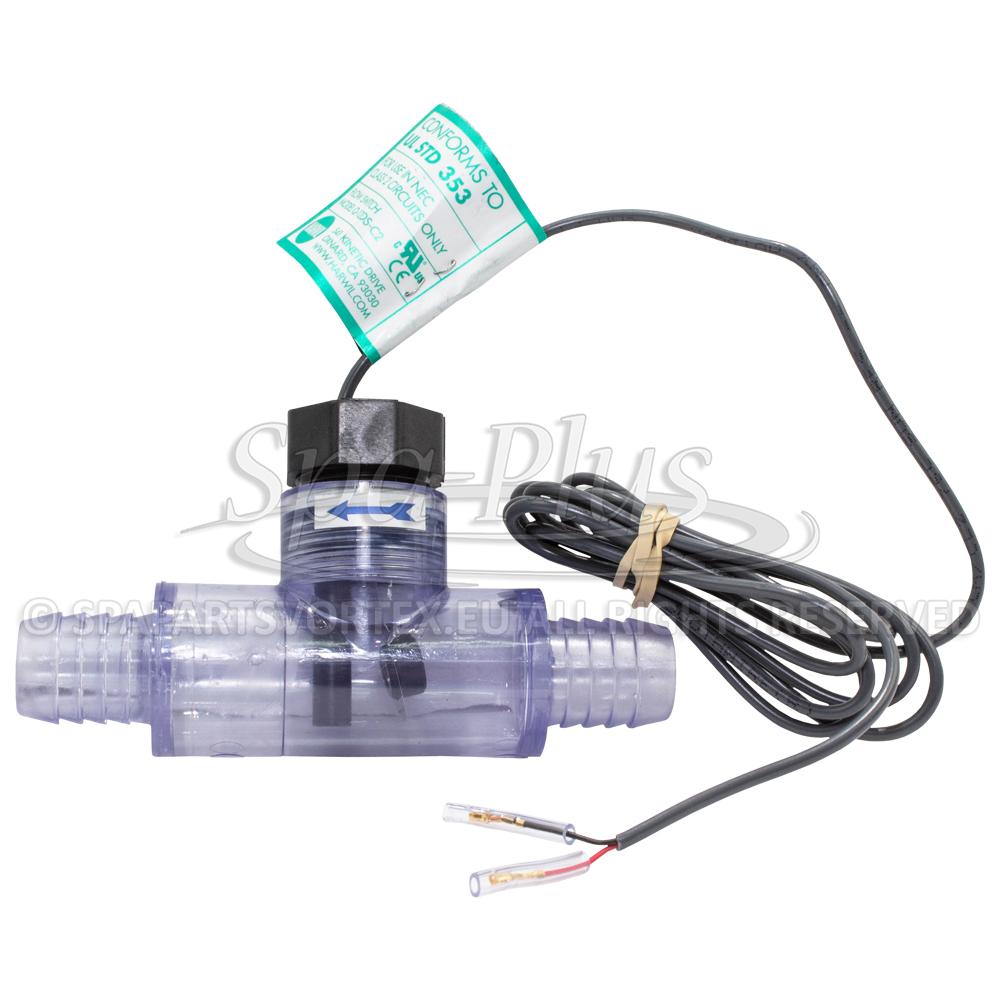
- Only then test the switch. The flow switch is checked for continuity with a multimeter: it should be closed while the pump is running and open once it has stopped. The FLC code means stuck contacts – replace the switch. A proven replacement is the Harwil flow switch, which is used by many hot tub manufacturers.
The differences between the codes: dr/drY report a lack of water directly in the heater, HFL/HL weak flow during heating, and LF is the “confirmed” version of HFL – after the fifth message within 24 hours the system blocks the heating until you press any button once the cause has been removed.
Overheating codes OHH and OHS
OHH means that the sensor in the heater has measured 118 °F (47.8 °C) and the hot tub has shut down. A reset is only possible once the water has dropped below 108 °F (42.2 °C). Paradoxically, this is almost always a flow fault: weak flow does not carry heat away from the heating coil, so work through the procedure above first.
OHS/OH reports overheated water in the tub – 110 °F (43.3 °C). It typically appears in summer after the pumps have run for a long time or when filter cycles are too long. Do not bathe, remove the thermal cover and shorten the filtration; the code resets itself once the water has cooled below 42.2 °C.
If overheating keeps recurring even with a clean filter and the correct water level, a scaled-up or ageing heating element is usually to blame. You will find complete heaters, separate coils and seals in the hot tub heating elements and heaters category – for Balboa, choose according to output (2.0–4.0 kW) and system type.
Temperature sensor faults: SnA, Snb, SnS, Sn1 and Sn3
Balboa systems measure the temperature with two sensors. SnA and Snb identify the specific sensor that is not working (according to connector A/B on the board) and shut the hot tub down. SnS means that the sensor readings differ by more than 1 °C – if the code alternates with the temperature, the system monitors the situation for an hour; if it flashes continuously, the fault is confirmed. Older units use Sn1 (hi-limit sensor) and Sn3 (temperature sensor).
Before replacing anything, always check the sensor connector on the main board – a corroded or damp contact produces the same faults as a defective sensor. On M7 systems both sensors are built directly into the heater and are replaced as a set; the exact replacement is the Balboa M7 temperature sensor (30337). Replacing it means working inside the control box – the circuit breaker must be switched off.
Messages that are not faults
- Pr – priming mode: 4 minutes after switching on to bleed the pumps; heating is off.
- SL / SLP – Sleep mode: heating only during filter cycles, approx. 11 °C below the set temperature.
- Ecn / Ec – Economy mode: heating only during filter cycles.
- Std / St – standard heating mode.
- SbY – standby, automatic functions switched off (e.g. for changing the filter).
- ICE / IC – freeze protection: below 6.7 °C all pumps and the blower start up.
- – – – unknown temperature: the reading appears after the heating pump has run for 1–2 minutes.
Service reminders beginning with the letter “r” are not faults either: rPH and rSA (check pH and sanitiser after 7 days), rCL (clean the filter after 30 days), rCH (new filter after 365 days), rdr (change the water after 90 days), rtg (test the RCD) and rCO (treat the cover). They are cleared by pressing the Mode button.
System codes and panel problems
The codes CFE (configuration), CrC (firmware checksum), PSt (settings memory) and rtC (clock) point to the electronics on the main board. First aid is always the same: switch off the circuit breaker for 30 seconds and let the system start up again. If the code returns, a service call or replacement of the unit is required.
If the display does not respond, shows “No COM” or has condensation inside, the control panel itself or its cable is usually at fault. Panels come in many versions depending on the system – for example the Balboa SpaTouch3 touch control panel for BP series units. Before ordering, check the type of control unit (the label on the box) and the connector.
When DIY is enough and when to call a service technician
- You can do it yourself: topping up the water, cleaning or replacing the filter, opening the valves, bleeding the pump, resetting a fault with a button, briefly switching off the circuit breaker.
- Electrician or service technician: measuring switches and sensors, replacing the heating element, sensors or board, HOt/StU codes and recurring system faults. Everything inside the control box is work under the cover of equipment powered at 230/400 V.
Rule of thumb: if the fault disappears after cleaning the filter and topping up the water, it was a flow issue. If it comes back within a week, a part somewhere is reaching the end of its life, and it pays to replace it before it takes the heating element or the board with it.
Balboa spare parts in stock
In the Balboa and Gecko control systems category we stock over 500 items – temperature sensors, flow switches, heating elements, control panels and complete control units. Parts in stock are dispatched within 48 hours, with free delivery on orders over €200. If you are not sure which part suits your system, send us the unit model from the label – as a hot tub manufacturer with our own service department, we will recommend the specific replacement.
Frequently asked questions
What does the FLO error code mean on a hot tub with a Balboa control system?
FLO reports that the flow or pressure switch has not closed while the pump is running, so the system has blocked the heating. In nine cases out of ten the cause is a low water level, a clogged filter cartridge or an airlocked pump. Only once you have ruled these out should you test the flow switch itself – a faulty one is not worth repairing, so replace it.
Is the SL or SLP message on a Balboa panel a fault?
No. SL/SLP means Sleep mode – an energy-saving mode in which the hot tub heats only during filter cycles and maintains a lower temperature. If you want normal operation, switch the heating mode to Standard (Std) in the panel menu.
How do you reset a Balboa error code?
Flow faults (LF, drY) and heater overheating (OHH) are reset by pressing any button on the panel once the cause has been removed; OHH only after the water has cooled below 42.2 °C. Water overheating (OHS) resets itself. Try clearing system faults by switching off the circuit breaker for 30 seconds – if the code returns, a service call is required.
How can I tell whether the temperature sensor or the heating element is faulty?
The codes SnA, Snb, SnS, Sn1 and Sn3 point to the temperature sensors or their wiring. The FLO, HFL, LF and OHH faults relate to flow and the heater. A technician checks the heating element by measuring the resistance of the coil and the insulation – for a 3 kW element at 230 V the resistance is roughly 18 ohms; an open circuit or a markedly different reading means it needs replacing.
Can I bathe when the hot tub shows OHS, OHH or HOt?
No. All three codes indicate overheating – the water may be above 43 °C, a temperature at which there is a risk of scalding and of the body overheating. With the HOt code the system has also detected a stuck pump relay: switch off the circuit breaker and call a service technician. Only get back into the water once the temperature has dropped and the fault has disappeared from the display.